QR Codes for Events
Make your event run smoother. QR codes for registration, check-in, schedules, and feedback. Update links in real-time when things change.

Scan for Schedule
Always up-to-date
The Problem with Traditional Event Materials
Static Event Materials
- ✗Printed schedules become outdated
- ✗Check-in lines slow down entry
- ✗Hard to collect timely feedback
- ✗No way to measure engagement
QRFlow for Events
- Update schedule links instantly
- Fast, contactless check-in
- Switch to surveys post-session
- Track scans at each location
Why Event Planners Use QRFlow
From small meetups to large conferences, QR codes make events run smoother.
Update in Real-Time
Schedule change? Room moved? Update the link instantly. No reprinting signs.
Streamline Check-In
Fast, contactless check-in. Attendees scan and register in seconds.
Track Engagement
See which signage gets scanned most. Measure interest in sessions and booths.
Collect Feedback
Switch to a survey link after sessions. Capture feedback while it is fresh.
Event QR Code Use Cases
One QR code, many purposes throughout your event lifecycle.
Registration
Link to signup forms. Use a separate code for each promotional channel and compare scans.
Event Schedule
Digital agenda that updates automatically. No more outdated printed programs.
Venue Navigation
Interactive maps, room locations, and wayfinding for large venues.
Feedback & Surveys
Post-session surveys, speaker ratings, and overall event feedback.
Build Forms Directly in QRFlow
Skip the external form tools. With QRFlow Premium, create registration forms, feedback surveys, and check-in forms that display when attendees scan your QR code. Responses go straight to your dashboard.
Need the schedule, the venue map and the tickets behind one code? Use a Multi-Link QR code
Perfect for Any Event Type
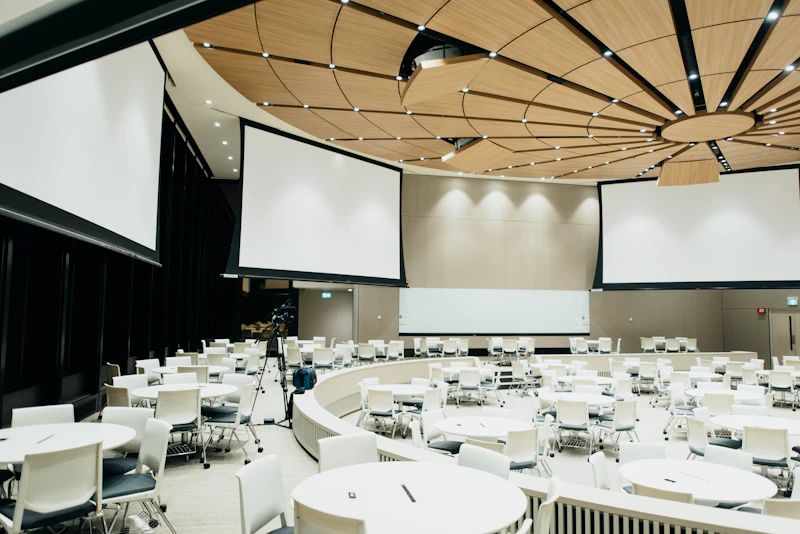
Whether you are organizing a corporate conference, wedding, trade show, or community meetup, QRFlow helps you connect attendees to the right information.
How to Create Event QR Codes
Get your event QR codes ready in minutes.
Sign up for free
Create your QRFlow account. No credit card required.
Add your event link
Paste your registration form, schedule page, or event app URL.
Match your event branding
Customize colors to match your event theme and materials.
Download and print
Add to badges, signage, programs, and promotional materials.
Update as needed
Room change? Schedule update? Change the link in real-time.
Simple Pricing for Events
Unlimited QR codes for your event. No per-attendee fees.
Free
Good for one-time events
- Unlimited QR codes
- Update links anytime
- QR codes expire after 7 days
Premium
Billed annually at /year
- QR codes have no expiration
- Track scans and engagement
- Custom event branding
- High-res for large signage
Frequently Asked Questions
How do I use QR codes for event check-in?
Create a QR code linking to your check-in form or registration confirmation. Display it at entrances so attendees can scan and check in quickly without waiting in line.
Can I update the QR code during my event?
Yes! Change the destination URL anytime. Update for schedule changes, room relocations, or switch to a feedback survey after sessions end.
What should my event QR code link to?
Popular options: registration form, digital schedule, venue map, speaker bios, session feedback form, networking app, or a page with the Wi-Fi details.
How do I track event engagement?
QRFlow Premium shows scan analytics for each QR code. See which signage locations get the most scans and track engagement over the event timeline.
Can I use different QR codes for different sessions?
Yes, create separate QR codes for each session, booth, or area. Track engagement separately and update each one independently.
Do attendees need an app to scan?
No app needed. All modern smartphones can scan QR codes with their built-in camera. Attendees just point and tap.
Create Your Event QR Codes
Make your next event run smoother. Start free today.
Get Started FreeNo credit card required