QR Codes for Retail
Bridge in-store and online experiences. QR codes for product info, promotions, reviews, and loyalty programs. Update offers without reprinting displays.

Scan for Details
Reviews, specs, offers
The Problem with Traditional Retail Signage
Static Store Materials
- ✗New signs for every promotion
- ✗Limited space for product info
- ✗No way to track customer interest
- ✗Disconnect between store and online
QRFlow for Retail
- Update promotions instantly
- Link to unlimited product details
- Track scans per product/display
- Connect in-store to online seamlessly
Why Retailers Use QRFlow
Turn every product display into an interactive experience.
Update Promotions Instantly
Change from summer sale to holiday promo. Same display, new offer.
Extended Product Info
Link to specs, reviews, tutorials, and sizing guides. More info than fits on a label.
Track In-Store Engagement
See which displays and products get the most scans. Measure interest.
Loyalty Program Signup
One scan opens your rewards signup page, or a QRFlow form that collects customer details.
Retail QR Code Use Cases
Multiple ways to enhance the shopping experience with QR codes.
Product Details
Link to full specs, materials, care instructions, and customer reviews.
Promotions & Coupons
Exclusive in-store discounts. Update offers without new signage.
Reviews & Ratings
Show customers what others think. Build trust at point of purchase.
Loyalty Programs
Link to your loyalty signup, or collect signups with a QRFlow form. Turn shoppers into repeat customers.
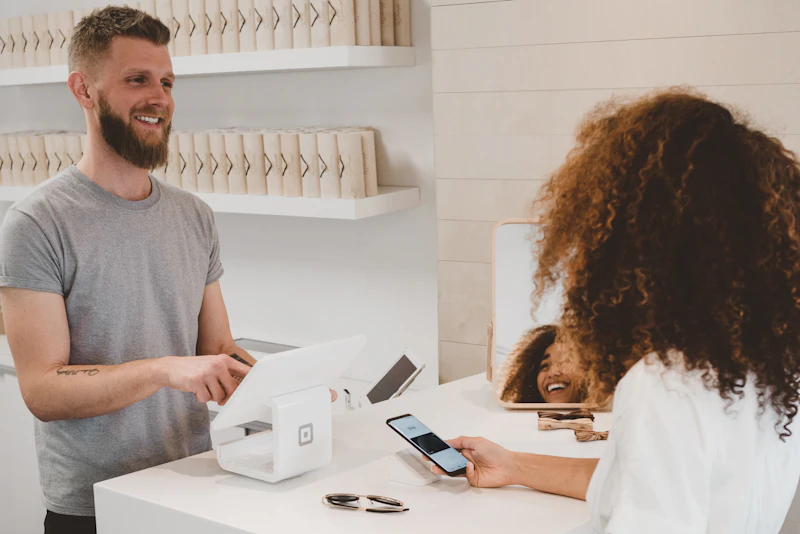
Where to Place Retail QR Codes
Strategic placement maximizes engagement and drives conversions.
- Shelf tags: Link to full product details and reviews
- Product displays: How-to videos, tutorials, and demos
- Checkout counter: Loyalty signup and exclusive offers
- Window displays: Current promotions for passersby
- Receipts: Feedback surveys and return policy
How to Create Retail QR Codes
Get your store QR codes ready in minutes.
Sign up for free
Create your QRFlow account. No credit card required.
Add your link
Paste your product page, promo landing page, or loyalty signup URL.
Match your brand
Customize colors to match your store branding.
Download and display
Print on shelf tags, displays, and promotional materials.
Update for sales
Change links for seasonal promotions without reprinting.
Perfect for Every Retail Type
From boutiques to big box stores, QRFlow works for any retail format.
Simple Pricing for Retail
Unlimited QR codes for your entire store. No per-product fees.
Free
Try it on a few products
- Unlimited QR codes
- Update links anytime
- QR codes expire after 7 days
Premium
Billed annually at /year
- QR codes have no expiration
- Track scans per product
- Custom brand colors
- High-res for print
Frequently Asked Questions
How do I create QR codes for my retail store?
Sign up for QRFlow, click 'Create QR Code', and paste your product page URL, promo link, or loyalty signup URL. Download and add to your store displays.
Can I update QR codes for different promotions?
Yes! Change the destination URL anytime. Switch from summer sale to holiday promo, or update to new product launches without reprinting displays.
What should my retail QR code link to?
Popular options: product detail pages with reviews, promotional landing pages, loyalty program signup, how-to videos, size guides, or related product recommendations.
How do I track in-store engagement?
QRFlow Premium shows scan analytics for each QR code. See which products and displays get the most scans, your busiest days, and device types.
Can I use QR codes on product packaging?
Yes! Create QR codes for packaging that link to care instructions, warranty registration, product tutorials, or reorder pages.
Do customers need an app to scan?
No app needed. All modern smartphones scan QR codes with their built-in camera. Customers just point their phone and tap the link.
Create Your Retail QR Codes
Turn every display into an interactive experience. Start free today.
Get Started FreeNo credit card required